

If you are one of the 62,000 monthly users still searching for FNaF World content in 2026, you know the original game had untapped potential. Enter FNaF World: Refreshed.
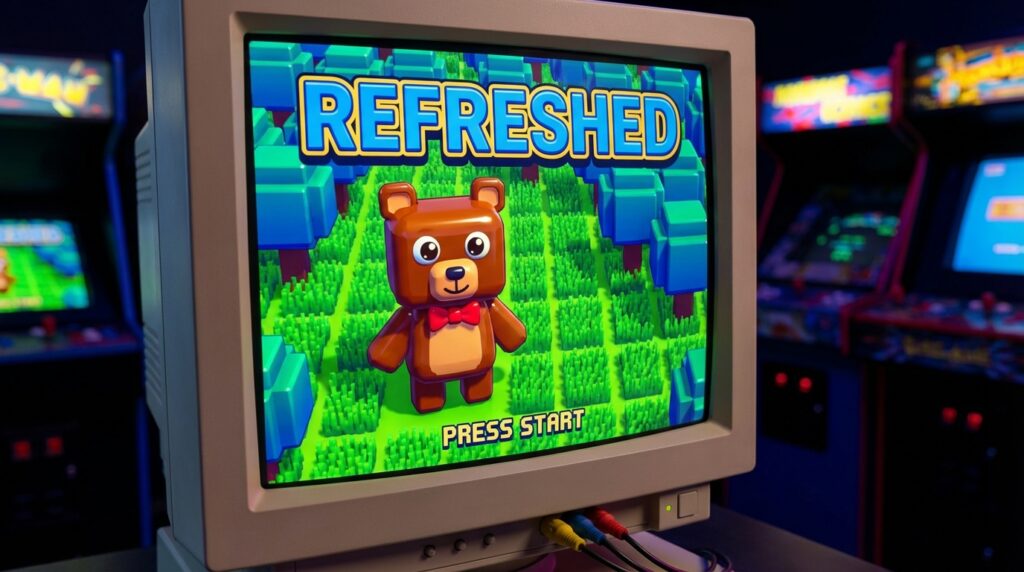
This isn’t just a texture pack; it is a “Total Conversion” remake built from the ground up. With new 3D overworld assets, a visualized “Speed Bar” for combat, and characters from Sister Location and Pizzeria Simulator, this is the definitive way to experience the RPG today.
Unlike the “Legacy” modding era which required complex tools like TexMod, installing Refreshed is surprisingly straightforward—if you know how to bypass modern Windows security filters. This guide will walk you through the safe installation process for PC.
Prerequisites Checklist
Before downloading, ensure your PC meets the requirements for the Clickteam Fusion 2.5+ engine, which powers this remake.
- OS: Windows 10 or 11 (64-bit recommended)
- Graphics: Must support DirectX 11 (Fixes “Direct3D” crashes)
- Software: 7-Zip or WinRAR (for extraction)
- Storage: At least 500 MB free space.
The Installation Process
Follow these steps to install the game as a standalone application.
Step 1: Download the “Refreshed” Build
Navigate to the official Game Jolt page for FNaF World: Refreshed. Do not download from third-party “APK” sites, as this mod is PC-exclusive.
- Look for the file named FNaF_World_Refreshed_vX.X.rar (or .zip).
- Click Download. The file size is typically around 300-400MB.
Step 2: Extract the Archives
Windows cannot run the game correctly from inside a compressed folder.
- Right-click the downloaded file.
- Select 7-Zip > Extract to “FNaF_World_Refreshed”.
- Open the newly created folder.
[IMAGE CUE: Screenshot of the right-click context menu showing “Extract to…” highlighted]
Step 3: Bypass “Windows Protected Your PC”
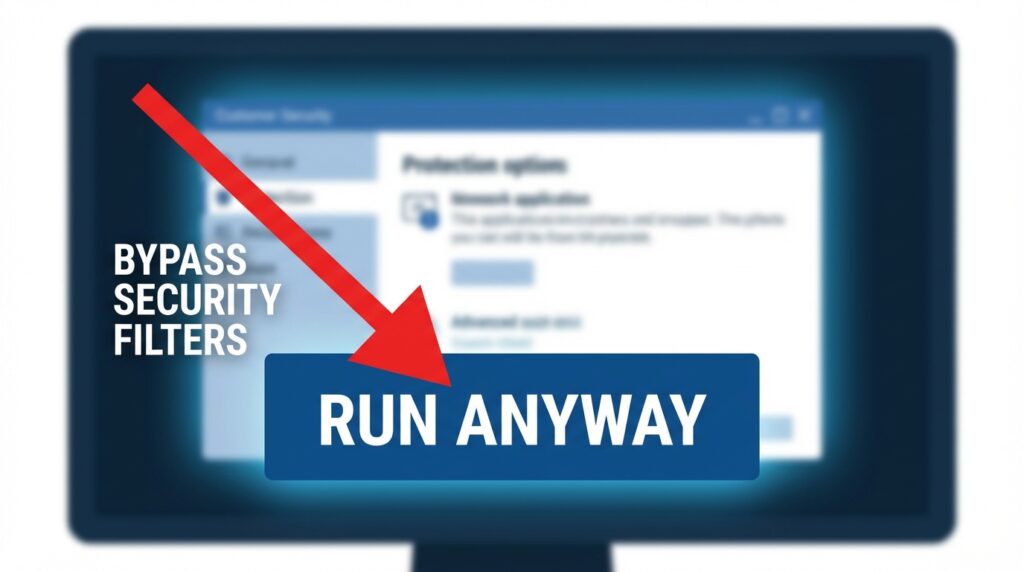
Because Refreshed is an indie executable unsigned by Microsoft, Windows Defender SmartScreen often flags it.
- Double-click FNaF World Refreshed.exe.
- If a blue window appears saying “Windows protected your PC,” click More Info.
- Click the Run Anyway button that appears at the bottom.
Step 4: Verify the Installation
Launch the game. You should see a completely new animated title screen featuring a 3D Freddy Fazbear, distinct from Scott Cawthon’s original 2D sprite.
- Check Version: Ensure the bottom corner displays the latest build number (e.g., v1.5+).
Common Mistakes & Troubleshooting
If the game crashes on startup or refuses to load, check these common fixes.
Issue: “Failed to Initialize Direct3D”
- Cause: Your graphics drivers are outdated or do not support the specific DirectX runtime used by the mod.
- Fix: Press Alt + Enter immediately upon launching to force Windowed Mode, or update your GPU drivers.
Issue: White Screen / Missing Audio
- Cause: Missing Windows Media codecs (common in Windows “N” editions).
- Fix: Download the “Media Feature Pack” from Microsoft’s settings menu.
Issue: Save Data Not Saving
- Cause: The game lacks permission to write to your AppData folder.
- Fix: Right-click the .exe file and select “Run as Administrator.”
Mod Comparison: Refreshed vs. Redacted
Not sure if Refreshed is the right mod for you? Check our comparison.
| Feature | FNaF World: Refreshed | FNaF World: Redacted |
|---|---|---|
| Type | Remake (Total Conversion) | Vanilla+ (Restoration) |
| Visuals | New 3D Overworld | Original 8-bit Atari Style |
| Mechanics | New Moves & Speed Bar | Original Combat Fixed |
| Roster | Extended (SL, FFPS) | Original + Fixed Glitches |
| Best For | Players wanting a new game | Purists wanting a fixed game |
For a deep dive into other mods, visit our Best FNaF World Mods hub.
People Also Ask (FAQ)
Does FNaF World: Refreshed overwrite my original save file?
No. Refreshed uses a separate save directory in %appdata%\MMFApplications. Your vanilla FNaF World save files (fnafw1) will remain untouched, allowing you to play both versions on the same PC.
Can I play FNaF World: Refreshed on Android?
No. As of 2026, Refreshed is a PC-exclusive title due to the high processing requirements of the 3D assets. Any “APK” claiming to be Refreshed is likely a scam or malware. For mobile, check our Android Sideload Guide.
Is FNaF World: Refreshed free?
Yes. The mod is 100% free on Game Jolt. If you paid for it, you have been scammed.
How do I unlock the “Fan” trophy in Refreshed?
The unlock criteria in Refreshed differ slightly from the original. While you still need to collect all characters, the “Fan” is often re-balanced as a specific item or achievement within the new 3D overworld. Check our Characters & Unlocks page for the updated list.
Do I need the original FNaF World installed on Steam?
No. FNaF World: Refreshed is a standalone executable. You do not need the Steam version to play it, although owning the original is encouraged to support the franchise legacy.